Scan your timeline
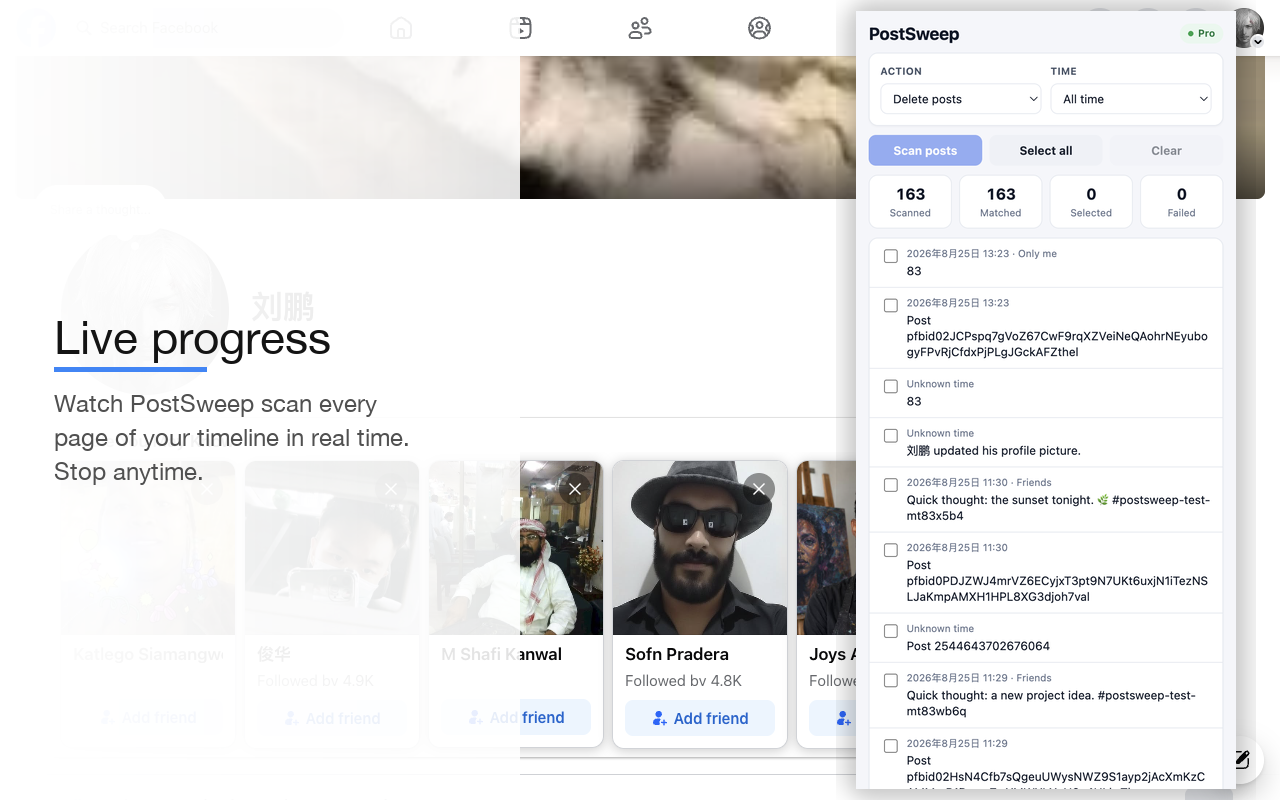
Load your profile posts directly from your logged-in Facebook session. No extra logins, no password asked.
Every Facebook profile is a digital history book. PostSweep lets you decide who gets to read yours — scan your profile, filter by date, and bulk delete old posts or set them to Only me, all from one side panel.
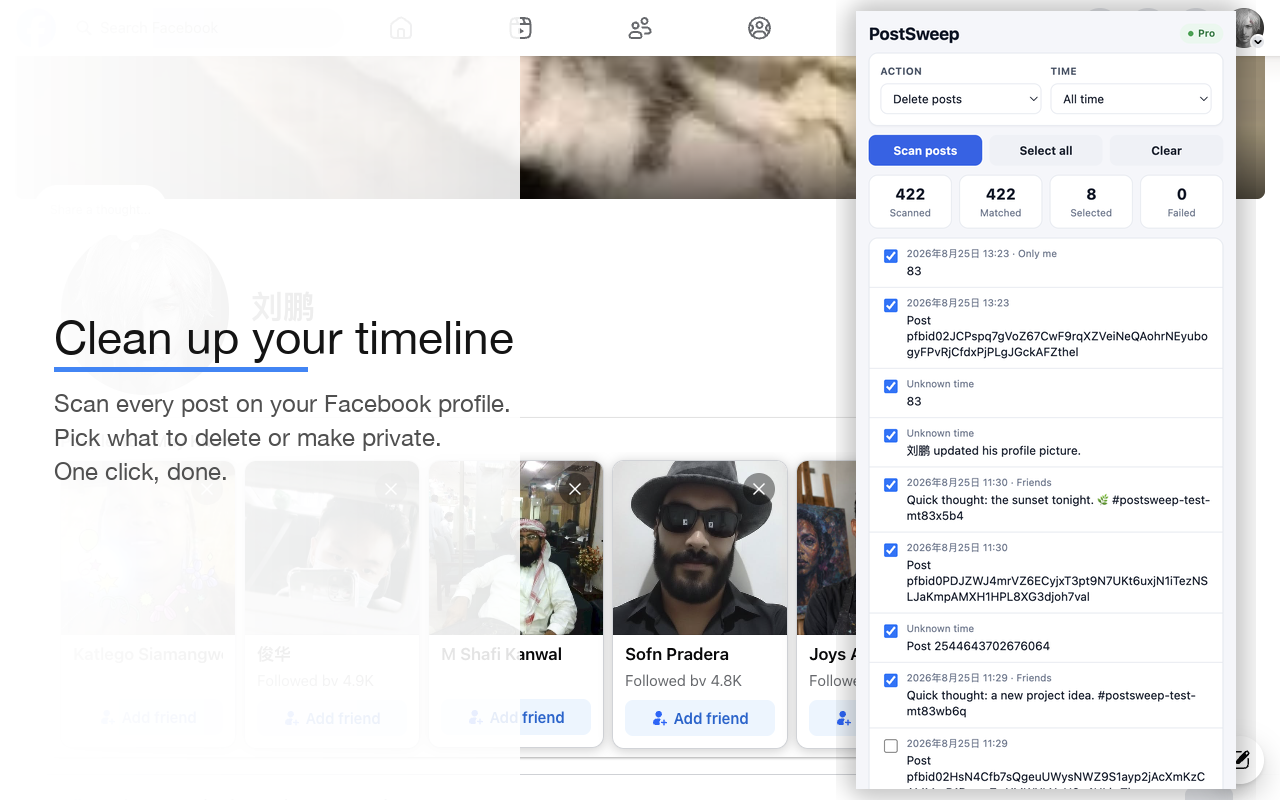
One side panel, next to your Facebook profile, that turns an afternoon of manual cleanup into a few minutes.
Load your profile posts directly from your logged-in Facebook session. No extra logins, no password asked.
All-time, a specific year, a specific month, or a custom range. Want everything from 2016 gone? Two clicks.
Every matched post is listed with its text, link, and date. Nothing is touched until you confirm it.
Move exactly what you choose to Facebook's own trash flow — in one action, not one post at a time.
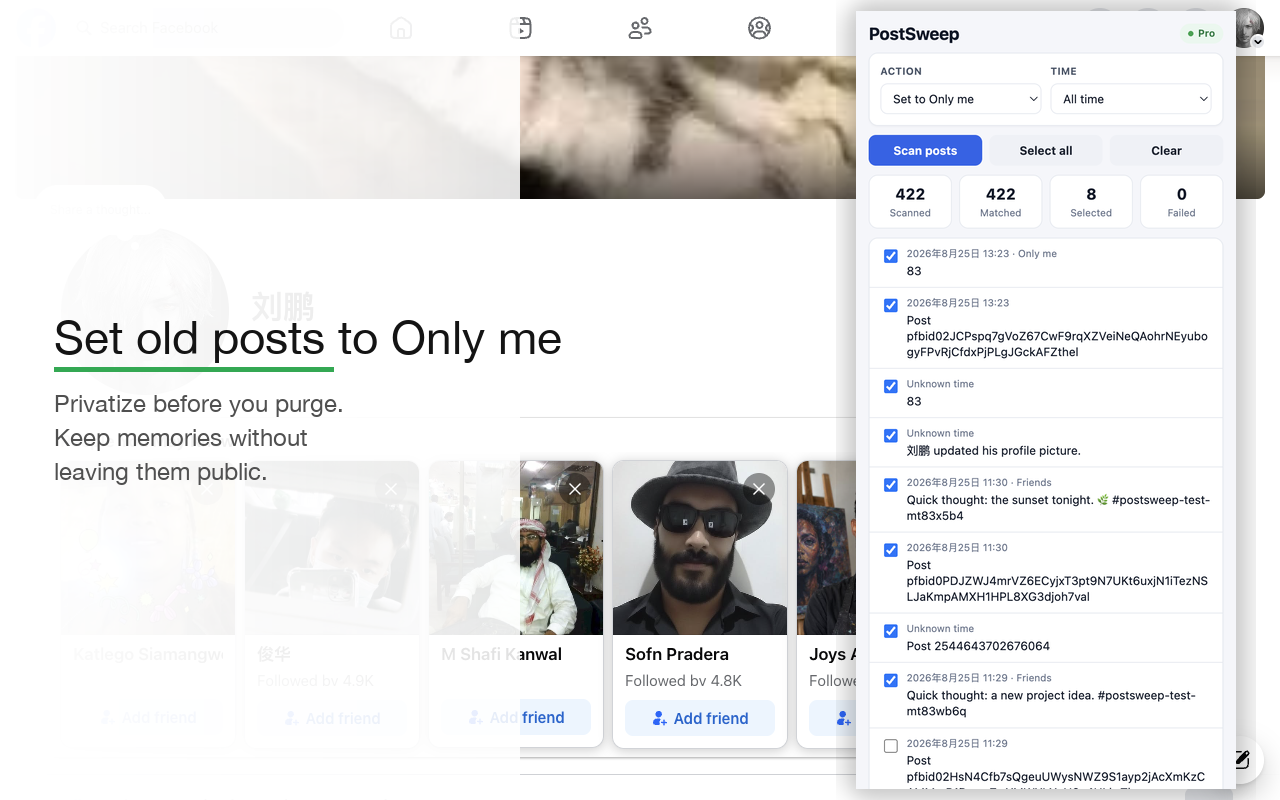
Prefer to keep memories but hide them? Make selected posts visible only to you — they stay, just private.
Stays docked beside your Facebook profile. Batch-friendly rendering keeps even large timelines smooth.
No bulk-delete magic that could touch the wrong thing. You always see and approve exactly what gets processed.
Go to your Facebook profile timeline in Chrome.
Launch the side panel from the Chrome toolbar.
Choose Delete posts or Set audience to Only me.
Optional but powerful — narrow to a year, month, or custom range.
PostSweep loads your timeline into the panel.
Uncheck anything you want to keep. You stay in control.
Click Delete selected or Set selected to Only me and watch the live progress.
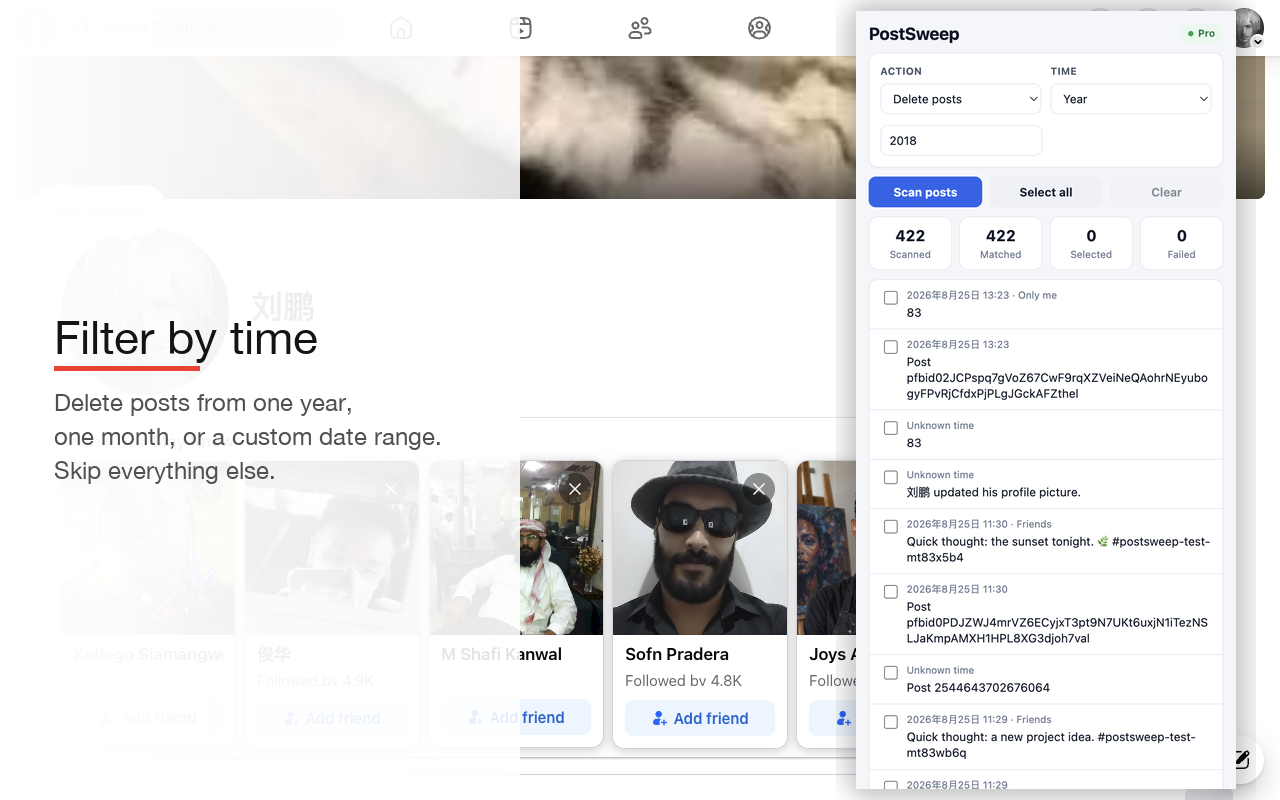
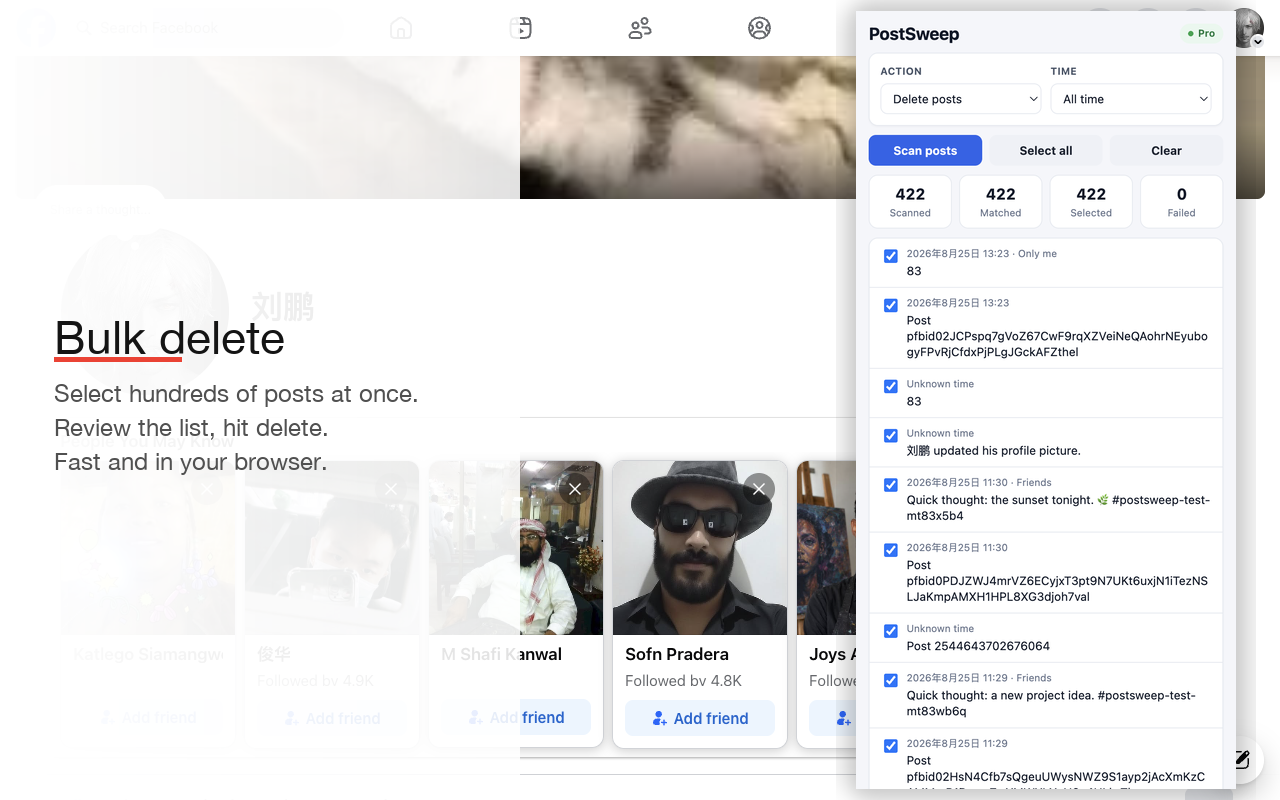
Real scans from a Facebook profile timeline — the same view you'll get after installing.
No subscription. No monthly bill. One purchase, lifetime access, on every device you own.
Try the full workflow
$0
For real timelines
$10.99 one-time · lifetime
Activate instantly in the extension with your license key.
PostSweep runs inside your browser on the Facebook page you're already logged into. It never asks for your Facebook password, and it does not upload your posts to our servers.
Deleting a post routes through Facebook's own trash flow when available, so Facebook's standard recovery behavior applies. Facebook may keep trashed posts for a period of time according to its own product behavior and policies.
PostSweep always shows you the matched list first. Only the posts you confirm are processed. Review your selection carefully — deleted posts can't always be brought back.
PostSweep currently supports your own Facebook profile posts only. It does not delete photos, videos, comments, messages, page posts, or group posts, and it is not built for TikTok or Twitter/X.
No. PostSweep always shows you the matched list first, and only the posts you confirm are processed. Nothing happens in bulk without your review.
Deletion routes through Facebook's own trash flow, so Facebook's standard recovery behavior applies. Check Facebook's trash/archive before assuming a post is gone for good.
Yes — that's the Set audience to Only me action. The post stays on your timeline; only you can see it.
No. PostSweep currently supports your own Facebook profile posts only. It will not touch photos, videos, comments, messages, page posts, or group posts.
No. PostSweep supports Facebook posts only.
Yes. Matched posts are selected by default, and you can uncheck any of them before running the action. You always review before anything happens.
One-time purchase, lifetime access, multiple devices, no subscription. Activate with your license key inside the extension.
Contact support with your order email and license key and we'll sort it out.
Install PostSweep and clean your timeline in minutes — not afternoons.
Add to Chrome — it's free